Open Graph Meta Tag Generator
Build og: and twitter: meta tags with a live preview. Free, no signup, nothing sent to a server.
What is Open Graph? Read our guide →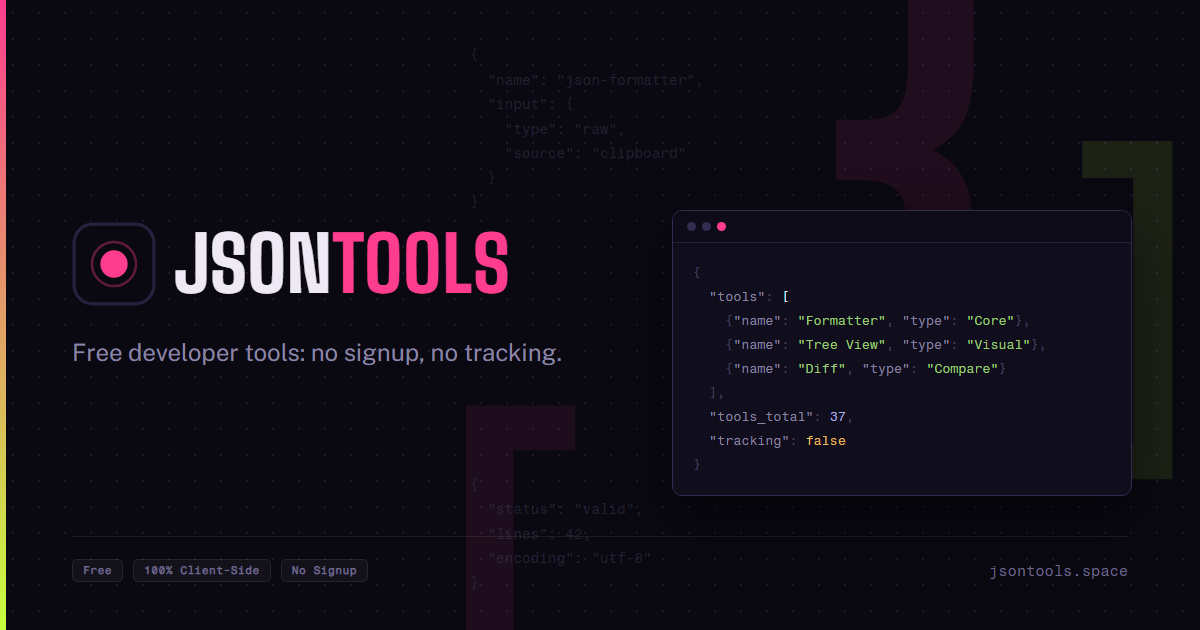
<meta property="og:title" content="JSON Tools — Free Developer Tools Online" />
<meta property="og:type" content="website" />
<meta property="og:url" content="https://jsontools.space" />
<meta property="og:image" content="https://jsontools.space/og/og-image.png" />
<meta property="og:description" content="Free browser-based developer tools for JSON, data conversion, text, security and more. No account, no upload, nothing tracked." />
<meta property="og:site_name" content="JSON Tools" />
<meta property="og:locale" content="en_US" />
<meta name="twitter:card" content="summary_large_image" />
<meta name="twitter:title" content="JSON Tools — Free Developer Tools Online" />
<meta name="twitter:description" content="Free browser-based developer tools for JSON, data conversion, text, security and more. No account, no upload, nothing tracked." />
<meta name="twitter:image" content="https://jsontools.space/og/og-image.png" />
The four required Open Graph tags
The Open Graph protocol (ogp.me) defines four required properties for any page: og:title, og:type, og:image, and og:url. Everything else, including og:description and og:site_name, is optional but strongly recommended for a good-looking share card.
Twitter/X falls back to Open Graph
X's crawler reads twitter: tags first, but falls back to the matching og: tag when a twitter: one is missing (twitter:title falls back to og:title, and so on). That's why this generator mirrors title, description, and image into both sets rather than asking for them twice.
twitter:card controls the shape: summary_large_image shows a full-width image like Facebook and LinkedIn, summary shows a small square thumbnail next to the text instead.
Why the 1200×630 image size
A 1.91:1 image (1200×630 is the common concrete size) is the shape every major platform converged on for the large-image card: Facebook, X, LinkedIn, Slack, and Discord all crop or letterbox other ratios to fit it. Keep any text or logo inside the center of the image, since some platforms crop the edges differently.
Frequently asked questions
Yes. The import scans for meta tags anywhere in whatever text you paste and ignores everything else, title, script, link tags included, so pasting an entire page source works just as well as pasting only the meta lines.